Apollo
The Apollo connection stores an api_key so FunnelStory can call Apollo’s APIs to enrich accounts and contacts during enrichment runs or downstream jobs.
What FunnelStory uses it for
- Data Enrichment — The connection supplies live lookups against Apollo.
Before you connect
- Generate an API key in Apollo with the endpoints your plan allows.
Add the connection in FunnelStory
-
Open Configuration → Connections → Add connection, then choose Apollo.
-
Complete the fields in the connection form:
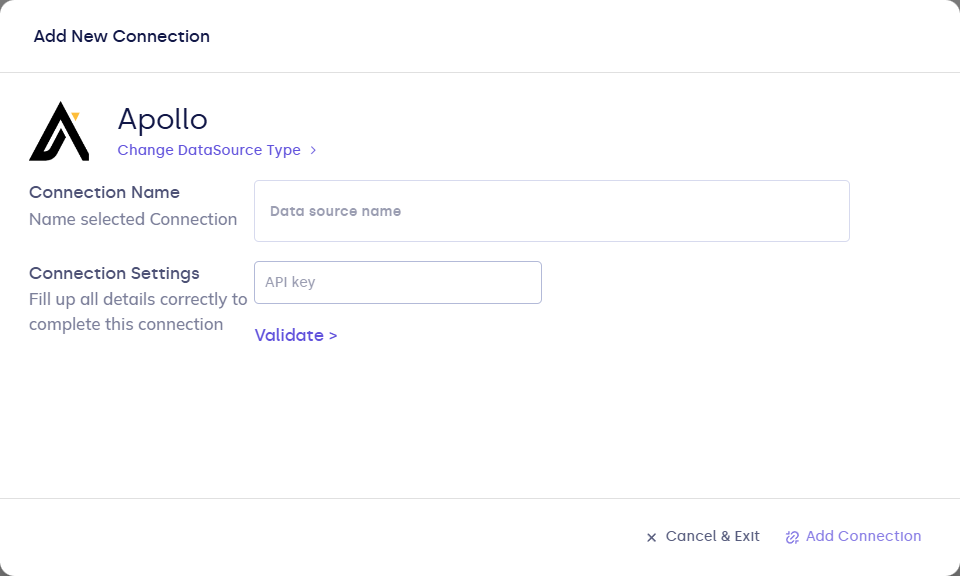
| Field | Description |
|---|---|
| Connection name | Display name. |
| api_key | Apollo API key. |
- Click Validate, then Add Connection.
After you connect
Enable enrichment where the product exposes it (workflows, settings, or account tools). Monitor usage against Apollo rate limits.
Related links
Was this page helpful?