DevRev
The DevRev connection authenticates FunnelStory to your DevRev organization so AI Agent flows can read or update DevRev records — for example looking up an issue or ticket. Unlike most connections, it doesn't back any data models on its own; it exists purely to let flows call the DevRev API.
What FunnelStory uses it for
- Flow actions — a DevRev connection lets a CALL step in an AI Agent flow make authenticated requests against the DevRev API using the
data_connection.requestfunction (see the functions reference).
Before you connect
- Create a Personal Access Token in DevRev with access to the objects your flows need.
Add the connection in FunnelStory
-
Open Configuration → Connections → Add connection, then choose DevRev.
-
Complete the fields in the connection form:
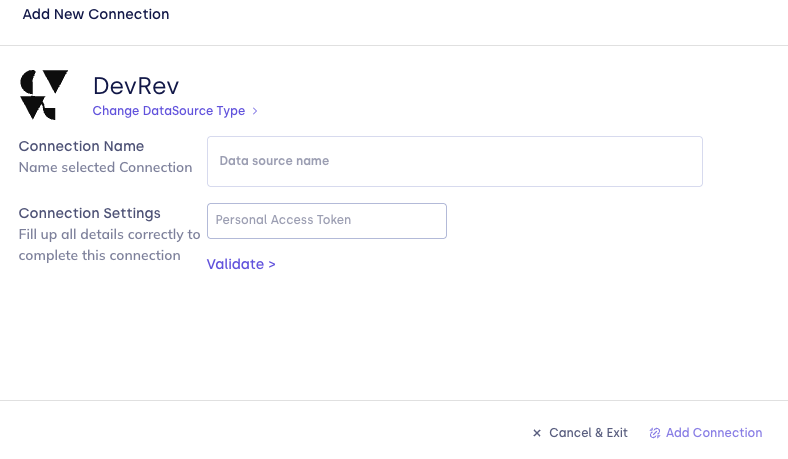
| Field | Description |
|---|---|
| Connection name | Display name in FunnelStory. |
| Personal Access Token | Your DevRev Personal Access Token. |
- Click Validate, then Add Connection. Validation confirms the token by fetching your DevRev user profile.
After you connect
There are no models to configure for this connection — it's used from CALL steps in AI Agent flows. See the functions reference for how data_connection.request calls out to a connection like this one.
Related links
Was this page helpful?