Mixpanel
The Mixpanel connection uses Mixpanel’s Project ID and service account credentials to pull product events into FunnelStory.
What FunnelStory uses it for
- Product events — Ingested events support product-activity views and account timelines.
- Sync window — Optional
time_range_dayscontrols how many days of history each sync considers (default 1 if unset in config).
Before you connect
- In Mixpanel Project Settings, create a service account and note the project ID, username, and password (used as HTTP basic auth to
data.mixpanel.com).
Add the connection in FunnelStory
-
Open Configuration → Connections → Add connection, then choose Mixpanel.
-
Complete the fields in the connection form:
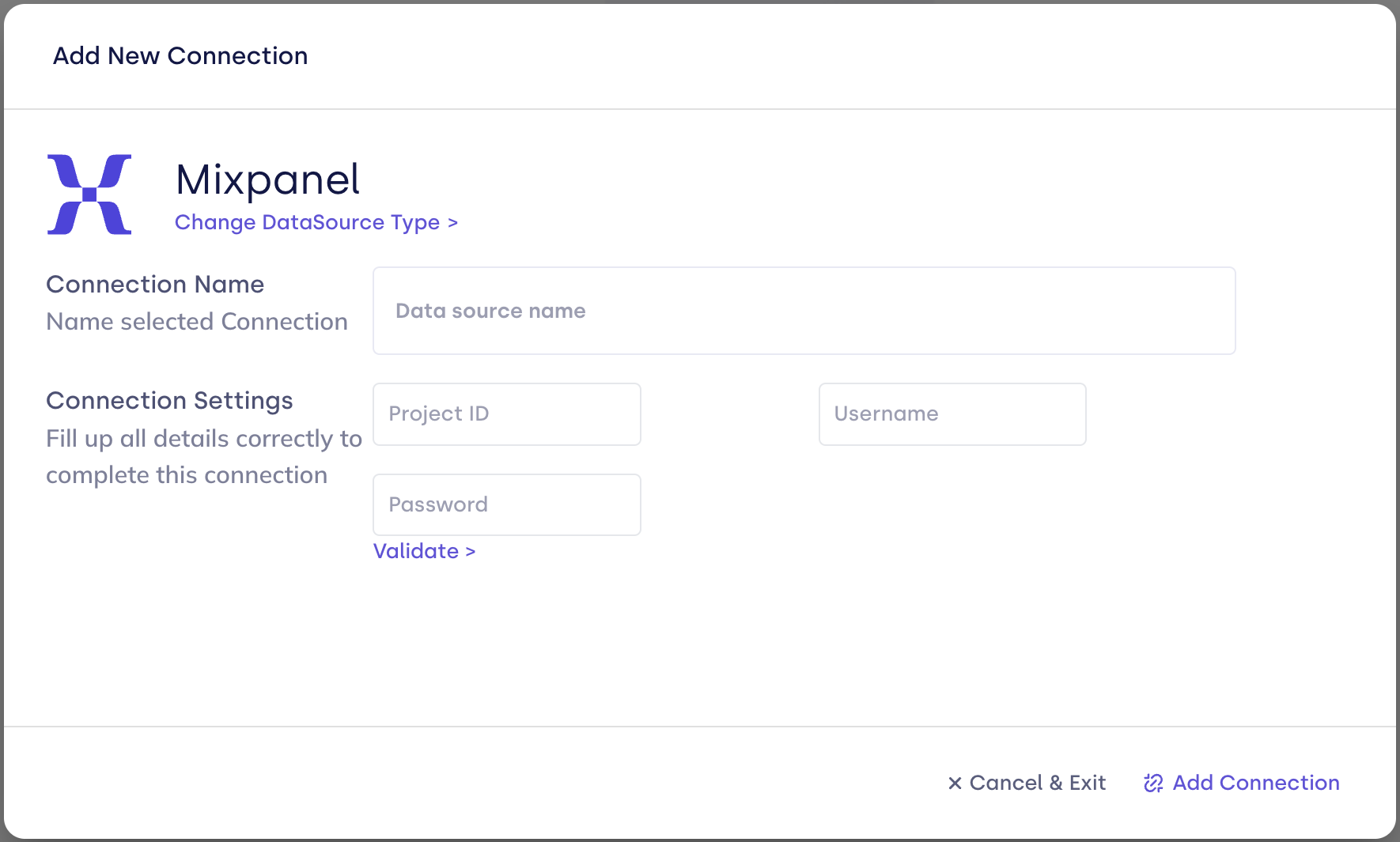
| Field | Description |
|---|---|
| Connection name | Display name. |
| project_id | Mixpanel numeric project id. |
| username | Service account username. |
| password | Service account secret (sensitive). |
| time_range_days | Optional. Integer day window for ingestion. |
- Click Validate, then Add Connection.
After you connect
Once you’ve added the Mixpanel data connection, a Product Activity Model will be automatically created for you.
Stable distinct_id and group keys in Mixpanel help FunnelStory tie events to the right accounts.
Related links
Was this page helpful?